Reorder PDF Pages
Drag and drop pages into the correct order.
Coming soon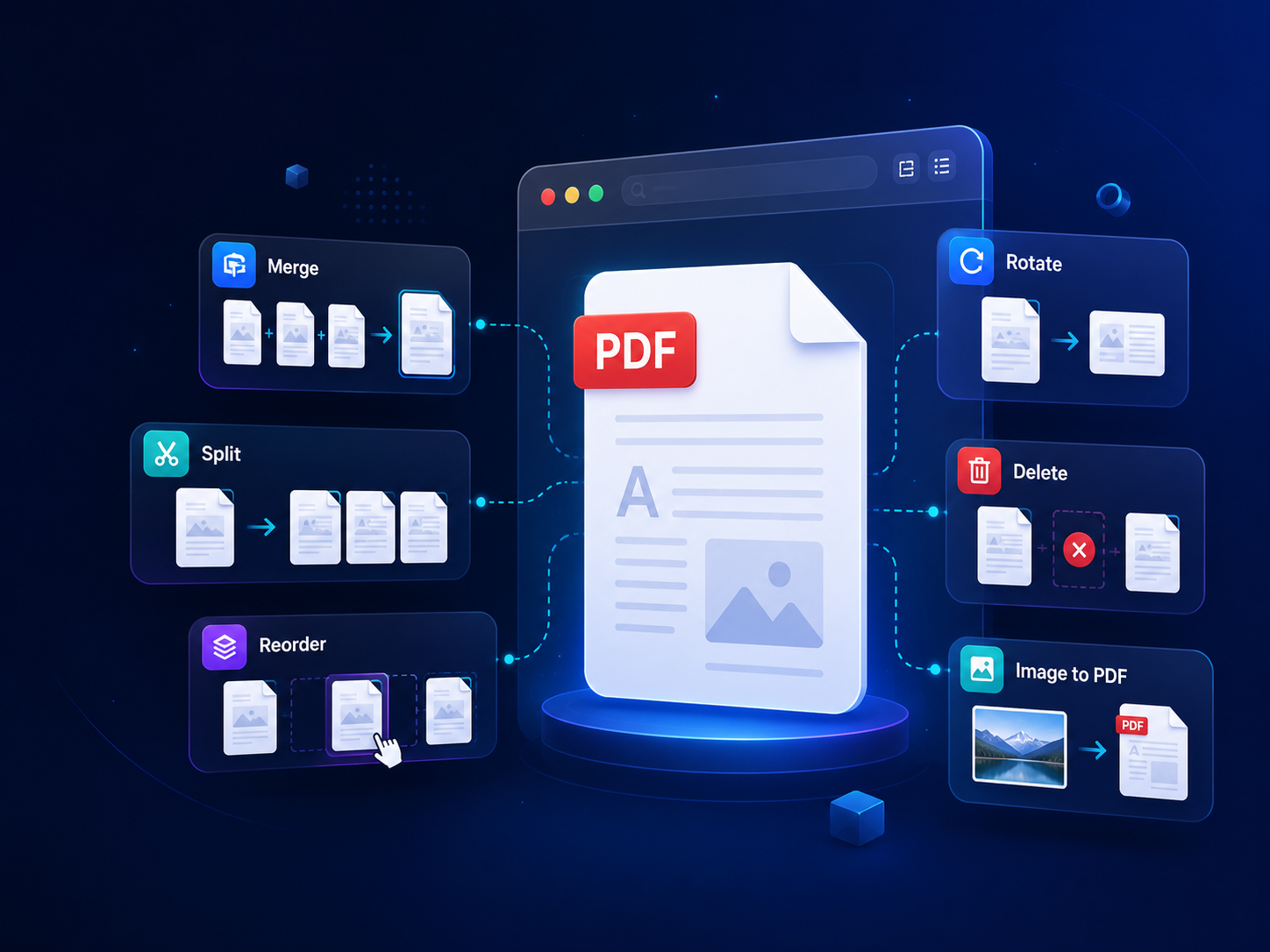
Start with the most used browser-based PDF tools. More tools are coming soon.
Combine PDF files and images into one document.
Open tool →Drag and drop pages into the correct order.
Coming soonExtract selected pages from a PDF file.
Coming soonRotate pages left or right before export.
Coming soonRemove unwanted pages from your PDF.
Coming soonConvert JPG, PNG, and WebP images to PDF.
Coming soonSimple, privacy-friendly tools designed for everyday PDF tasks.
Your files stay on your device when using browser-based tools.
Works in modern browsers without installing extra software.
Export clean PDF files without BintoroSoft branding added.
Clear workflows for merging, arranging, converting, and exporting PDFs.
BintoroSoft is growing into a complete PDF toolkit for organizing, converting, editing, and securing PDF files.
Merge, split, reorder, delete, rotate, and extract PDF pages.
Convert images to PDF, PDF to image, text to PDF, and more.
Add text, page numbers, stamps, watermarks, and metadata.
Reduce PDF file size and optimize documents for sharing.
Protect, encrypt, decrypt, sanitize, and manage PDF security.
Extract text, images, metadata, links, and selected pages.
Check page count, file size, metadata, and PDF information.
Inspect PDF version, page size, hashes, fonts, and structure.
Three simple steps to get your PDF work done.
Pick the PDF tool you need, such as Merge PDF or Reorder PDF Pages.
Add your files and process them directly in your browser when supported.
Export your final PDF and download it manually when it is ready.
Many BintoroSoft PDF tools are designed to run directly in your browser. Your documents are not uploaded for browser-based tools, and you can use the tools without creating an account.
Common questions about using BintoroSoft PDF Tools.
Yes, the PDF tools are free to use.
Browser-based tools process files locally on your device. Each tool page explains how that tool handles files.
No, you can use the tools without creating an account.
No, exported PDF files do not include a BintoroSoft watermark.
Yes, the interface is designed to work on modern desktop and mobile browsers.
Large files can take longer because browser-based processing depends on your device, browser, file size, and number of pages.
Start with Merge PDF today, then explore more browser-based PDF tools as they become available.